Device color modes
High contrast mode
(Windows)
Windows high contrast mode is a device-specific color mode. It affects the colors of interfaces at an operating system level. It provides users with the ability to customize colors in their entire device.
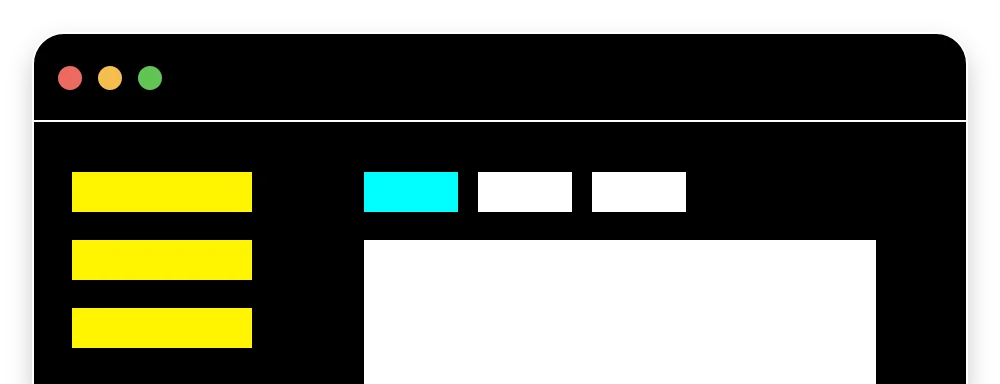
Supporting windows high contrast mode
This mode overrides styling and leverages a simplified semantic color set. Components and aspects of UI will need to be mapped to these Windows color keywords:
ButtonFace(Button background color)ButtonText(Button text color)Canvas(Background color)CanvasText(Default text color)Highlight(Selected text background color)HighlightText(Selected text color)LinkText(Link text color)
How it affects UI design
In web applications, high contrast mode can be given unique styling using the forced-colors media query. This can also be used in conjunction with the prefers-color-scheme media query to target light or dark themes.
People with low vision rely on this mode to provide better visibility of content.
People with light sensitivity rely on this mode to decrease contrast of their device.
It is highly recommended to support Windows high contrast mode to be inclusive and accessible to as many sighted people as possible.
Sources:
- Styling for Windows high contrast with new standards for forced colors.. Windows. https://blogs.windows.com/msedgedev/2020/09/17/styling-for-windows-high-contrast-with-new-standards-for-forced-colors/
- forced-colors. Mozilla. https://developer.mozilla.org/en-US/docs/Web/CSS/@media/forced-colors